
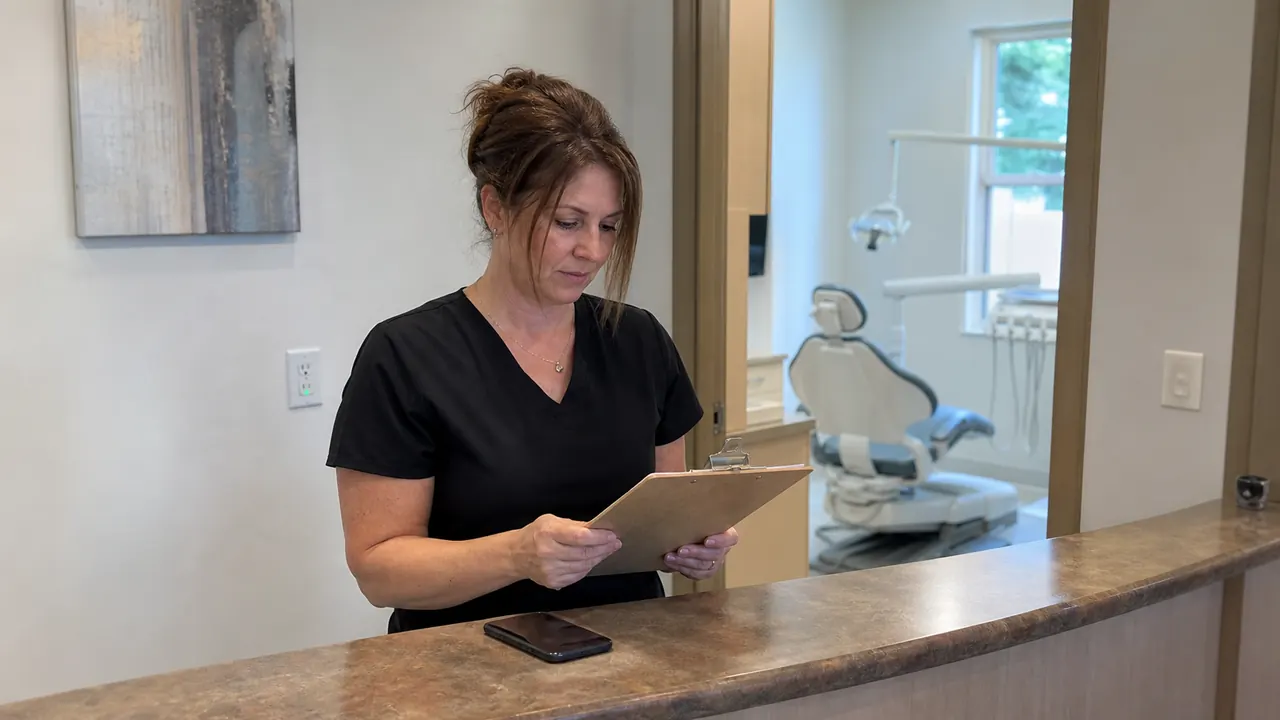
Yes, a dental office can use an AI voice receptionist. The best first jobs are appointment requests, reschedules, office hours, approved service questions, and basic routing. Sensitive questions, urgent concerns, and anything uncertain should go to a trained staff member.
Dental offices are one kind of healthcare clinic. For a broader buying checklist, read our guide toAI voice receptionists for healthcare clinics before comparing vendors or connecting patient calls.
Appointment scheduling is often the first dental workflow to test. Use our checklist forverifying an AI receptionist scheduling workflow before you let it book patient visits.
That starting point matches the dental and healthcare example inZoom's AI receptionist use-case guide. Zoom describes after-hours calls, appointment booking, insurance questions, and routing sensitive requests to staff. It is a product example, not a promise that every receptionist can safely handle every healthcare call.
Start with routine calls
A dental office usually does not need an AI receptionist to do everything. Start with the calls that interrupt the front desk most often:
- hours, location, parking, and accepted services
- new-patient appointment requests
- rescheduling and cancellation requests
- requests to reach a hygienist, dentist, or billing team
The goal is a clear next step, not a long conversation. If you are new to the category, our guide to what an AI voice receptionist does explains the basic jobs before you choose a workflow.
A simple first call flow
Keep the first version easy for your team to review. A practical dental call flow can look like this:
- Say that the caller is speaking with the practice's virtual receptionist.
- Ask whether the caller wants to schedule, change an appointment, ask a routine question, or reach staff.
- Use only the office information that the practice has approved.
- Offer the next available appointment or collect a callback request.
- Confirm the next step and send the conversation to staff when the rules require it.
The questions should earn their place. Our guide to what an AI receptionist should askcan help you keep intake short and useful.
Do not ask it to act like a dentist
An AI voice receptionist can help with access and administration. It should not diagnose a condition, recommend treatment, interpret symptoms, or make a promise about care. It also should not guess when a caller uses vague or alarming language.
Set a clear handoff rule for urgent concerns, medication questions, post-procedure problems, and anything that needs clinical judgment. The safest answer is often a calm transfer or callback request, not a longer AI conversation.
Protect patient privacy
Decide what the receptionist needs before it asks for information. Routine booking may need a name, contact method, appointment type, and preferred time. It may not need a detailed health history.
Zoom says its AI receptionist can be configured to avoid collecting sensitive patient information and route those requests to staff. For teams building their own system, theTwilio ConversationRelay documentationsays the service is HIPAA Eligible when configured properly and used with the right agreement. That does not make an entire phone workflow compliant by default. Your practice still needs to check the vendor, data flow, settings, and agreement with a qualified compliance professional.
For a broader call-data checklist, read our guide to AI receptionist data privacy. It covers retention, access, model policies, and testing questions to ask before you connect the phone system.
Connect the call to a real next step
A call only helps the office when something happens after the caller hangs up. That might be a calendar booking, a staff callback, or a lead record with enough context to continue the conversation.
Our guide to qualified leads for small businesses explains which details make a follow-up useful. For the AI itself, our voice receptionist prompt guide shows how to state the role, approved facts, and handoff rules plainly.
Test before real callers depend on it
Test the flow with normal and difficult calls. Ask for a cleaning appointment. Try to reschedule. Give an unclear request. Ask an urgent question. Then interrupt the receptionist and see whether it listens, confirms, and hands off cleanly.
Fix one rule at a time and repeat the call. Our guide to AI receptionist testinggives you a simple test, fix, and retest loop. Our setup guide covers the phone connection, booking path, and transfer plan behind the conversation.
What will it cost?
Pricing depends on call volume, minutes, integrations, and how much custom routing the office needs. A short routine-call workflow is usually a better first test than paying for a broad system before the team knows which calls it wants to automate. See our guide to AI voice receptionist pricing for the cost categories that matter.
Where Leadspa fits
Leadspa can help a dental office map its first call flow, write the operating rules, and test the handoff before the receptionist reaches real callers. Start with one routine job. Keep a person responsible for every sensitive or uncertain request.
Want help planning the first call flow?
We can map the questions, booking step, and human handoff around your office.
Book a free consultation